
Hatch vs Embrilliance: Which Should You Buy?
Hatch vs Embrilliance compared for Mac vs Windows, pricing model, lettering, editing and digitizing, with a decision rule and the real total cost on a Mac.
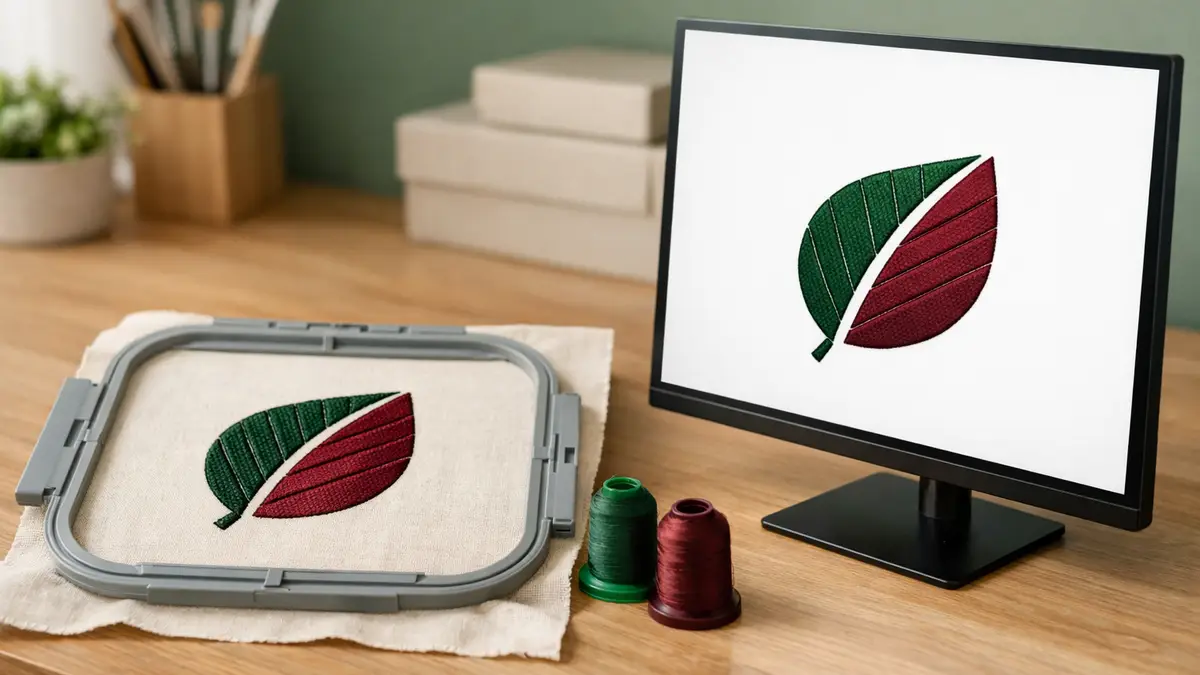
Both make real embroidery software, but they solve different problems. Embrilliance is a modular platform that runs on Mac and Windows and starts cheap. Hatch is a Windows digitizing suite that scales up to full manual control. The right pick depends mostly on your computer and whether you will digitize your own designs.
Hatch or Embrilliance: which should you buy?
Buy Embrilliance if you use a Mac, or if you mainly want lettering and editing and prefer to pay in small pieces. Buy Hatch if you run Windows and want to auto-digitize your own artwork into stitches. That one split, Mac versus Windows and lettering versus digitizing, decides it for most people.
Embrilliance Essentials covers lettering, merging, resizing with stitch recalculation and format conversion for $159 at list price. Hatch starts higher because it is built around digitizing: Composer is $699 and Digitizer is $1,199. If you only need to put a name on a towel, Hatch is more software than the job needs. If you need to turn a logo into a clean stitch file, Embrilliance needs the StitchArtist module and still will not auto-digitize.
How do Hatch and Embrilliance compare?
The two differ most on operating system and pricing model, then on digitizing. This table puts them side by side on the axes that actually change a buying decision.
| Axis | Embrilliance | Hatch Embroidery 4 (Wilcom) |
|---|---|---|
| Operating system | macOS and Windows, native | Windows 11 only |
| Pricing model | Buy modules outright, add over time | Buy a level outright (or FlexPay installments) |
| Entry price | Express free; Essentials $159 list | Organizer $199; Personalizer $299 |
| Lettering and editing | Essentials, 21 fonts, stitch recalculation | Personalizer, 66 fonts |
| Auto-digitizing | No (not in any module) | Composer $699, Digitizer $1,199 |
| Manual digitizing | StitchArtist 1/2/3, $179/$389/$699 | Digitizer $1,199 |
| Free trial | Free Express module, keep forever | 30-day full trial, all levels, no card |
Prices are US list prices carried from our embroidery software roundup, which also weighs PE-Design and Ink/Stitch.
Which is better on a Mac?
Embrilliance, with no close contest, because Hatch does not run on macOS natively. Embrilliance installs directly on macOS and gives a Mac owner real lettering, editing and even manual digitizing through StitchArtist, no workarounds needed.
To run Hatch on a Mac you install Windows 11 in virtualization software such as Parallels Desktop, then install Hatch inside that. That means paying for the virtualization app and a Windows license on top of Hatch, and maintaining two systems when something breaks. For a Mac owner, the honest total cost of Hatch is well above its sticker price, which is why most Mac embroiderers land on Embrilliance.
Which is better for digitizing your own designs?
Hatch, if you want to auto-digitize. Hatch Composer turns artwork into stitches with one command and lets you clean it up; Digitizer adds full manual digitizing with stitch-by-stitch control, advanced applique and PhotoStitch. For someone converting logos or clip art regularly on Windows, that auto step saves hours.
Embrilliance can digitize, but only manually, through StitchArtist, and Embrilliance states plainly that StitchArtist is not a photo-to-stitch or auto-digitizing program. You draw each shape and assign its stitch type yourself. StitchArtist is capable and runs on a Mac, so a Mac owner who wants to learn digitizing has a native path, just not a one-click one. For what digitizing involves either way, see our digitizing walkthrough.
What does each one cost over time?
Embrilliance costs less to start and grows in small steps; Hatch costs more up front but bundles more into each level. Because both sell outright rather than by subscription, the number you pay is close to the number you keep paying, apart from paid upgrades between major versions.
| You want to… | Cheapest Embrilliance path | Cheapest Hatch path |
|---|---|---|
| Convert and letter only | Express (free, saves .BE files to machine formats) or Essentials ($159) | Organizer ($199) then Personalizer ($299) |
| Letter with many fonts | Essentials ($159) | Personalizer ($299) |
| Auto-digitize artwork | Not available | Composer ($699) |
| Fully manual digitize | StitchArtist 3 ($699) | Digitizer ($1,199) |
A Mac owner should add the virtualization and Windows cost to every Hatch figure above. For how the finished file reaches your machine, see our file formats guide.
Which has better lettering and fonts?
Hatch includes more built-in fonts, but Embrilliance opens a much larger world of add-on fonts. Hatch Personalizer carries 66 fonts, Composer 78 and Digitizer 130, all built in and ready to size and monogram. Embrilliance Essentials ships with 21 fonts, which sounds small until you count the ecosystem around it.
Embrilliance reads BX fonts, a format thousands of independent designers sell and give away. Install a BX font and it appears in Embrilliance like a built-in one, so a Mac or Windows owner can build a font library far past any program’s bundled set for a few dollars a font. Both programs do proper monogramming with frames and templates. If you want the widest font choice for the least money, the BX ecosystem tilts lettering toward Embrilliance; if you want everything in the box with no hunting, Hatch’s higher levels give more out of the gate. Our embroidery fonts guide explains built-in versus BX lettering in depth.
How hard is each one to learn?
Embrilliance is the gentler start; Hatch is deeper and takes longer to master. Embrilliance opens everything in one window and you buy only the modules you need, so a beginner sees a smaller, calmer toolset. You can letter and edit on day one and add StitchArtist later when you want to digitize.
Hatch comes from Wilcom, whose software runs many commercial shops, and it carries that depth: more tools, more settings and more ways to control a stitch. That power is the reason professionals choose it, but it is more to absorb. Hatch counters with strong tutorials, a 30-day full trial and a large user community. A realistic read: pick Embrilliance if you want to be productive quickly and grow into digitizing, and Hatch if you want room to grow into professional digitizing and do not mind a steeper climb. Either way, start on the free Express module or the Hatch trial before paying.
Who should skip both for now?
- New machine owners. Current machines stitch purchased designs from a USB stick and letter on screen. Learn hooping and stabilizer first; software will not fix puckering.
- Anyone who only needs a format change. Embrilliance Express is free and saves .BE files to machine formats. For other file types, Essentials reads DST, PES and JEF files among others and saves to your machine’s format.
- One-logo buyers. A single logo is usually cheaper to have digitized by a service than to buy Digitizer or StitchArtist and learn it.
If you do choose software, match the fonts to the job; our embroidery fonts guide explains built-in versus add-on lettering, and the thread converter handles colors across brands.
Sources: Wilcom Hatch Embroidery pricing and system requirements (levels, Windows 11 requirement, virtualization note, 30-day trial); Embrilliance store, Essentials, StitchArtist and Express pages (prices, platform support, StitchArtist digitizing statement). Prices are US list prices as of October 2026.
Frequently asked questions
Quick answers to what readers ask us most
Is Hatch or Embrilliance better for beginners?
Embrilliance Essentials is the gentler start: it runs on Mac or Windows, costs $159 and covers lettering and editing without digitizing. Hatch is more powerful but Windows only and built around digitizing, so it costs more and takes longer to learn than most beginners need at first.
Does Hatch run on a Mac?
Not natively. Hatch is Windows only. Wilcom says Mac owners can run it through virtualization such as Parallels Desktop on a Windows 11 install, which adds the cost of the virtualization software plus a Windows license. Embrilliance runs natively on macOS, so most Mac owners pick it.
Can Embrilliance digitize like Hatch?
Only with the StitchArtist module, and even then Embrilliance states StitchArtist is manual digitizing, not photo-to-stitch auto-digitizing. Hatch Composer and Digitizer include auto-digitizing. If one-click conversion of artwork matters to you, that favors Hatch.
What about Embrilliance vs Embird?
Embird is another modular Windows digitizing program. Against Embrilliance, the split is the same as with Hatch: Embrilliance wins on native Mac support and simple lettering, while Embird appeals to Windows users who want cheaper modular digitizing. This page compares Hatch and Embrilliance only.
Is there a free trial for either one?
Hatch offers a 30-day trial that opens all four levels with no credit card. Embrilliance offers a free Express module and sells the rest outright, so you can start free with Express and add paid modules later without a subscription.